Templates / Awards & certificates / Certificate of Completion
Tap a chip. This is the template, not a picture of it.
Certificate of Completion Template
A certificate that sets the name properly, with your wording, your signature lines and a seal, on Letter or A4.
One theme, Letter, a small credit line at the foot. Everything else is the same design.
One new template a month.
Your download has started. Join and the paper set is yours free: lined, graph and dot grid, with a name and date line at the top.
- 1 page, landscape
- Letter and A4
- 6 themes, one of them light-ink
- Fonts: Newsreader, Inter Tight
- Personal and small-business use
- Print at 100%, not "fit to page", or the margins move. How.
- Certificates want something heavier than copier paper. Which paper.
- Letter or A4? Which paper you have.
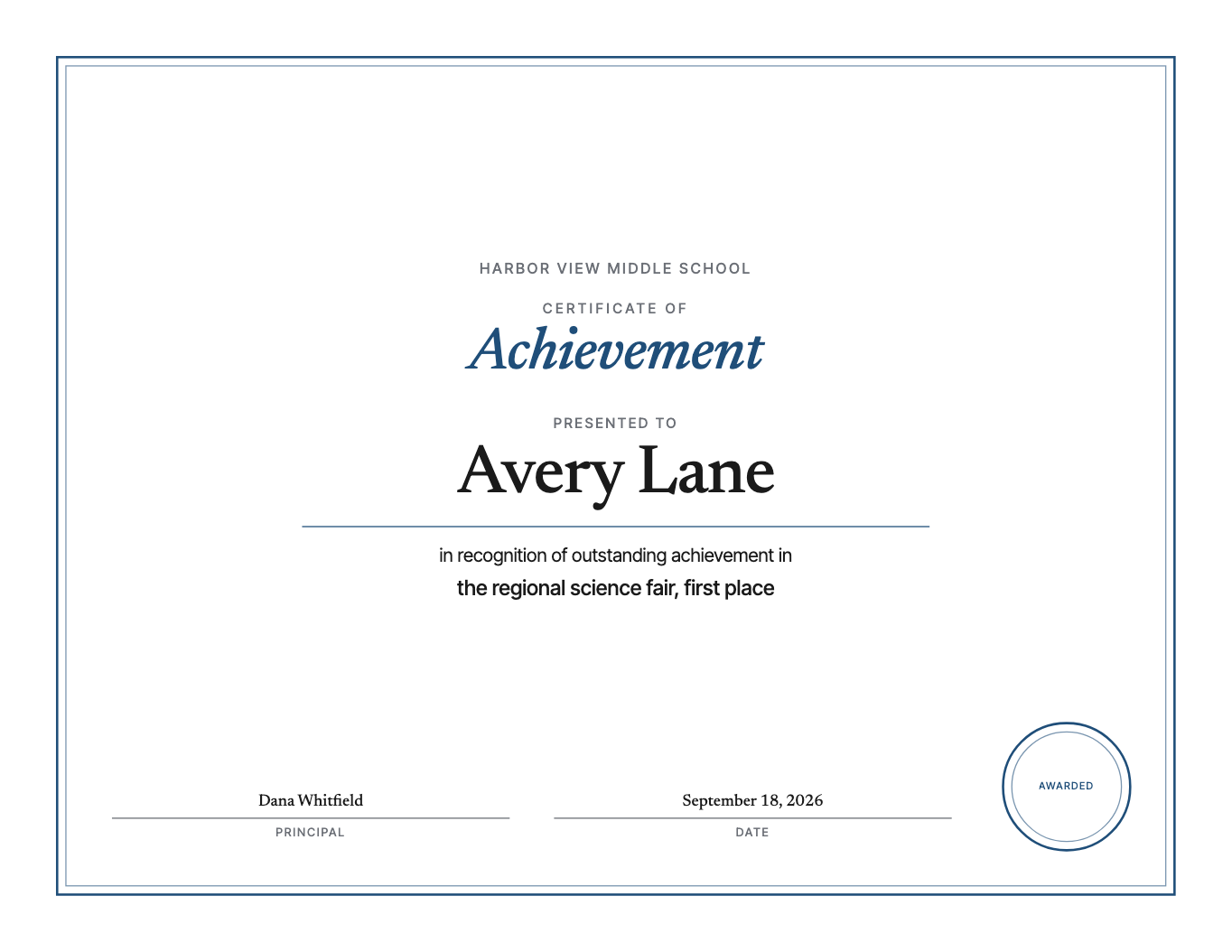
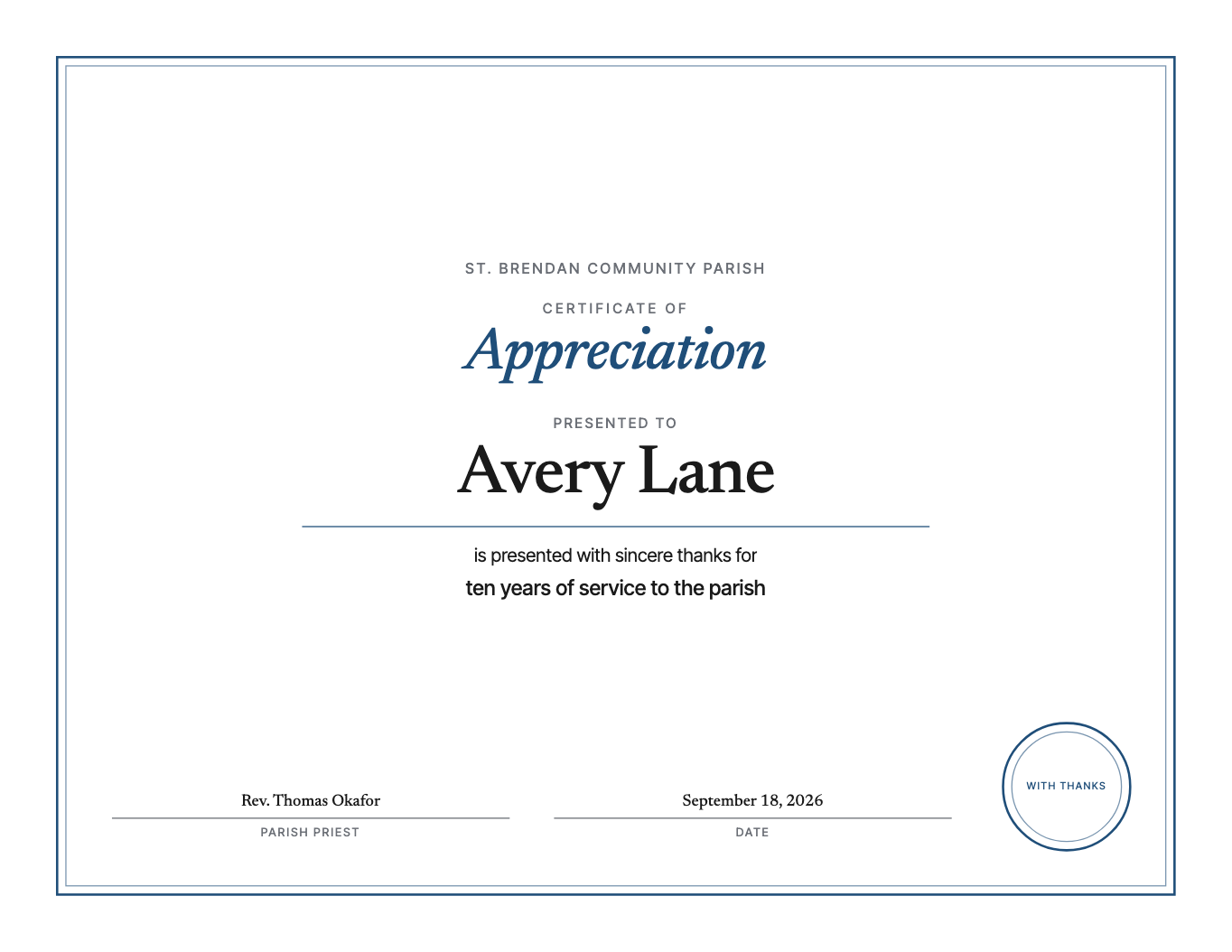
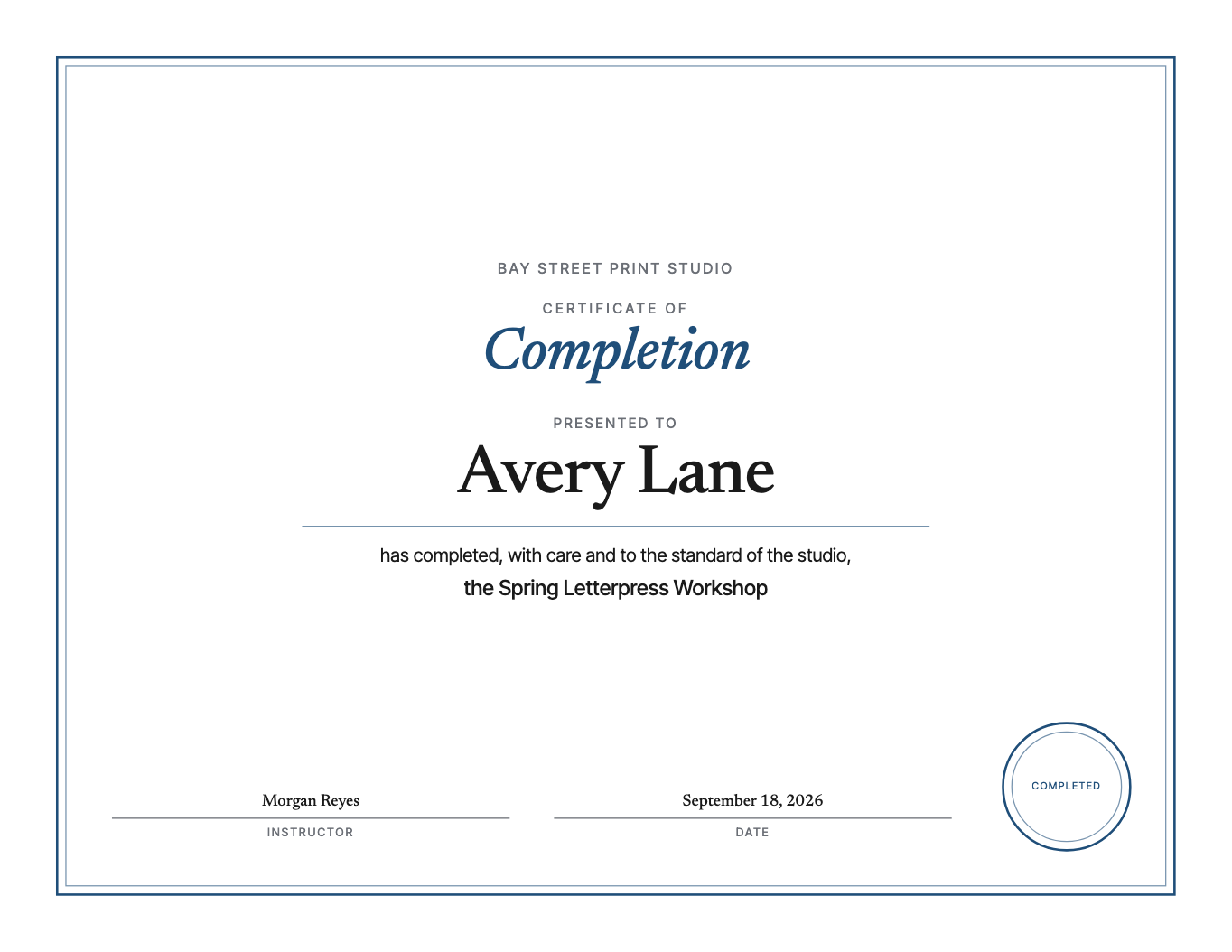
Most certificates handed out at the end of a workshop, a course, a season or a training day are made in a word processor with a clip-art border, and the name, the one thing the person will look at, is squeezed into a line meant for something else. This one is drawn the other way round. The name is the largest thing on the page, set in a real serif on its own line with room around it, and everything else is arranged to hold it up. It is for the instructor, the club secretary, the team lead or the teacher who hands these out and wants them to be kept.
The page reads top to bottom the way a certificate should. Your organization at the top, with a logo above it if you have one. Then the title, then "presented to", then the name, then a rule and your wording: one or two lines saying what was completed and how, in your words rather than a stock phrase. The course or achievement sits under that. At the foot, one signature line or two, each with a name and a title, and the date. A drawn seal takes the bottom corner, with up to twelve characters inside it, and it comes off with one switch if you would rather sign over plain paper.
The decision that matters most is the one you cannot see: the customizer refuses a name that does not fit. Twenty-six characters fill the name line at full size. Type a longer one and the page tells you before you pay, and the download waits until it fits. Every other certificate maker will happily sell you the one where the name runs into the border, and you find out when it comes off the printer. Shorten a middle name to an initial, or drop a title, and the button comes back.
Three frames, because the same design does different jobs. Classic is a double rule inside the safe margin, the certificate most people picture. Modern is a heavy bar down the left and nothing else. Plain has no frame at all, for pre-printed certificate paper or for a look that is all type. Six color themes go with them, including a gilt for the ones that get framed and a light-ink theme for a stack of thirty that goes through the office printer.
Print it at 100%, not fit to page, on something heavier than copier paper: 65 lb cover stock, about 176 gsm, goes through most home printers and feels like a certificate in the hand. The free version is this design with the sample name and organization, in the Ledger theme, on Letter, with a small credit line at the foot, so you can see it on paper before you decide. The paid version carries the real name, your wording, your signatures, all six themes and all three frames, and comes back in Letter and A4 from one purchase, with a link that works for a year.
What if the name is too long?
The customizer tells you, and the download waits until it fits. Twenty-six characters fill the name line at full size. Shorten a middle name to an initial, or drop a title, and the button comes back.
Can I add my own wording?
Yes. Up to 140 characters under the name, which is two lines, so it says what was completed and how in your words. The sample line is there to be replaced.
Does it have a seal?
A drawn one, with up to twelve characters inside it, on or off with one switch. No clip art anywhere on the page.
What should I print it on?
Something heavier than copier paper. 65 lb cover stock, about 176 gsm, goes through most home printers and feels like a certificate in the hand. Print at 100%, not fit to page.
Is the free version usable?
It is the same design with the sample name and a small credit line, so it is good for seeing it on paper. A real certificate needs the real name, which is the paid version.
Is there a subscription?
No. You pay once for the file. There is nothing to cancel.