Templates / Paper & notes / Cornell Notes
Deep red
Tap a chip. This is the template, not a picture of it.
Cornell Notes Template
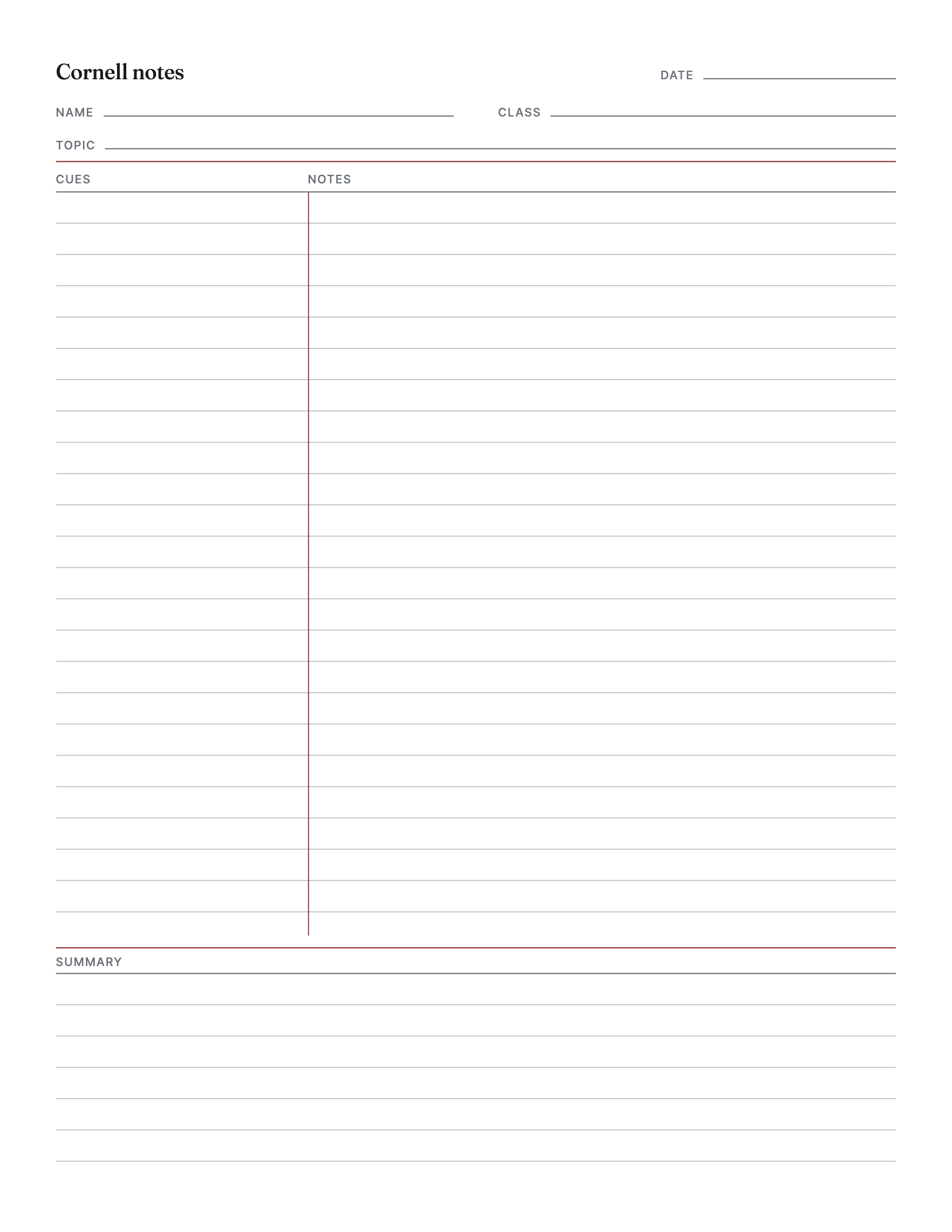
A Cornell notes sheet with a cue column, a notes column and a summary box, lined or dotted at the spacing you want, with your name and class printed in the header, in Letter and A4.
One theme, a small credit line at the foot. The button is the Letter file. On A4 paper, take this one. Everything else is the same design.
Or the all-access pass: every template on the site for $49, paid once.
One new template a month.
Your download has started. The paper set is yours free too: lined, graph and dot grid, with a name and date line at the top.
- 1 page
- Letter and A4
- 7 themes, one of them light-ink
- Fonts: Fraunces, Inter Tight
- Personal and small-business use
- Print at 100%, not "fit to page", or the margins move. How.
- Plain copier paper is fine.
- Letter or A4? Which paper you have.
- Printing it every week? Use less ink.
The Cornell layout has been around since the 1950s and is still the best way to take notes on paper, because it makes the second pass part of the page. Notes go in the wide column on the right during the lecture. The narrow column on the left is for afterwards: the questions the notes answer, the keywords, the things to test yourself on. The box at the foot is for a summary in your own words, which is the part that makes the notes stick. Cover the right column and the left one quizzes you.
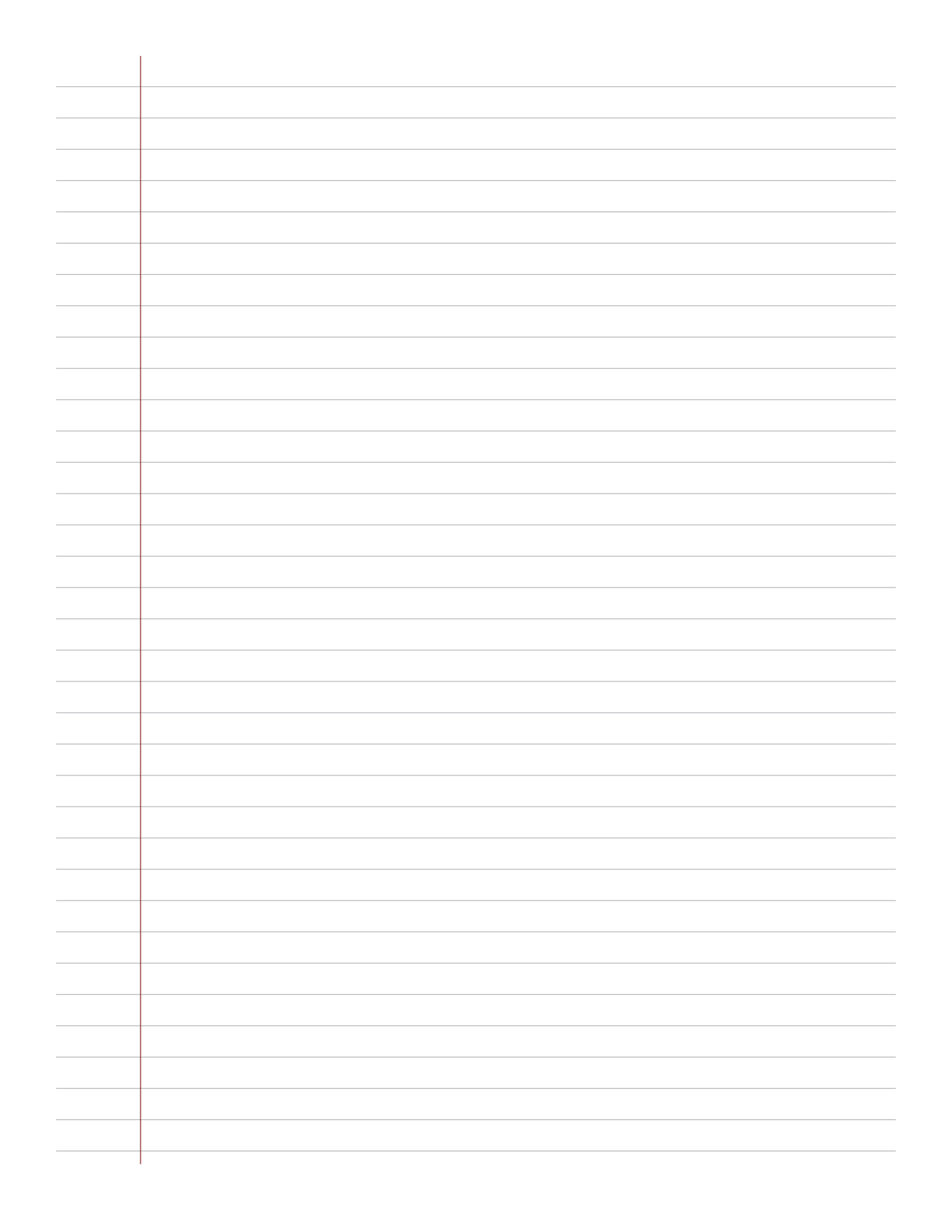
This sheet is that layout, drawn properly. The two columns are ruled as one, so the lines meet at the divider instead of stepping across it. Lined at 6.35, 7.1 or 8.7 millimeters, which are narrow, college and wide rule, or a dot grid at 4, 5 or 6.35 millimeters for diagrams and math, or blank. The left column comes in three widths. The summary box is on a switch, for the classes that do not ask for one.
The header has lines for the name, the class, the date and the topic, and the paid version prints your name and your class on them, so a stack of fifty printed at the start of term is already yours. The column labels are yours to change too: some teachers say cues, some say questions, some say keywords, and the sheet can use whichever word your class does.
One decision worth explaining: the lines are gray, not black. Lines you write on should sit under the ink, not compete with it, and the theme's muted color at a little under half strength is the weight a good notebook uses. The light-ink theme goes lighter still, for the ream.
One of the color themes is light ink, and Letter or A4 come from the same file. The free version is college-ruled with the standard column and the summary box, the header lines blank, on Letter or A4, with a small credit line at the foot, which is the sheet most students want most of the time.
Print at 100%, not fit to page, or the spacing is not what it says; the inch mark on the free sheet lets you check. Plain copier paper is the point; print the light-ink theme if you print a stack every week. The paid version unlocks the dot grid and the other spacings, the column widths, your name and class in the header, your own labels, every theme, and comes back in Letter and A4 from one purchase, with a link that works for a year.
What goes in each part?
Notes in the right column during the lecture. Afterwards, the questions and keywords those notes answer go on the left, and a summary in your own words goes in the box at the foot. Cover the right column and the left one quizzes you.
Which rulings are there?
Lined at 6.35, 7.1 or 8.7 mm (narrow, college, wide), a dot grid at 4, 5 or 6.35 mm, or blank. The lines run across both columns and meet at the divider.
Can I change the column labels?
Yes. Cues, questions, keywords, main ideas: each of the three labels takes up to sixteen characters, and the left column comes in three widths.
Does it print my name?
The paid version prints your name and your class on the header lines, so every sheet in the stack is already filled in. The date and topic lines stay blank to write on, unless you type a topic.
What is the free version?
College-ruled, the standard column, the summary box on, the header lines blank, on Letter or A4, with a small credit line at the foot. The paid version has the other rulings and widths, your name and labels, and the themes.
Is there a subscription?
No. You pay once for the file. There is nothing to cancel.